1. 运行环境
接上一篇文章 SpringBoot集成Swagger生成在线API文档
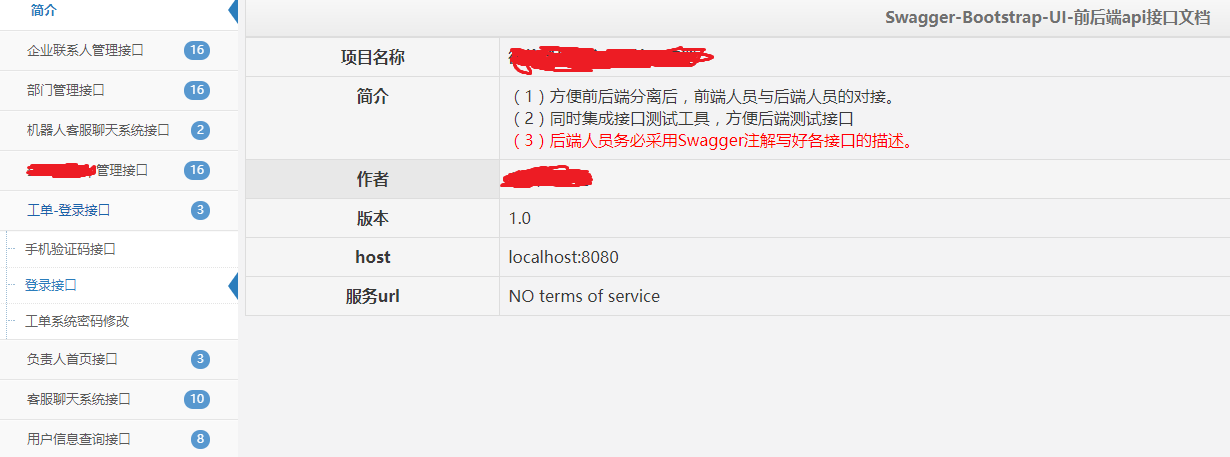
SpringBoot + Swagger2 + swagger-bootstrap-ui
我们这里的UI使用的是第三方的swagger-bootstrap-ui 难免有一些BUg但是不影响使用
2.常用注解
- Api –类注解
- ApiModel
- ApiModelProperty
- ApiOperation
- ApiParam
- ApiResponse
- ApiResponses
- ResponseHeader
3.注解使用案列
▷ @Api 注解
该注解放在Controller类上用于描述一类接口,最终会在页面生成描述列表
| 属性名称 | 备注 |
|---|---|
| value | url的路径值,可写中文描述 |
| tags | 如果设置这个值、value的值会被覆盖 |
| description | 对api资源的描述 |
| basePath | 基本路径可以不配置 |
| position | 如果配置多个Api 想改变显示的顺序位置 |
| produces | For example, “application/json, application/xml” |
| consumes | For example, “application/json, application/xml” |
| protocols | Possible values: http, https, ws, wss. |
| authorizations | 高级特性认证时配置 |
| hidden | 配置为true 将在文档中隐藏 |
1 | (description = "/message",tags="Message消息相关接口") |
效果:
▷ @ApiOperation 注解
该注解放在Controller的方法上用于描述具体的接口
| 属性名称 | 备注 |
|---|---|
| value | url的路径值 ,可写中文描述 |
| tags | 如果设置这个值、value的值会被覆盖 |
| description | 对api资源的描述 |
| basePath | 基本路径可以不配置 |
| position | 如果配置多个Api 想改变显示的顺序位置 |
| produces | For example, “application/json, application/xml” |
| consumes | For example, “application/json, application/xml” |
| protocols | Possible values: http, https, ws, wss. |
| authorizations | 高级特性认证时配置 |
| hidden | 配置为true 将在文档中隐藏 |
| response | 返回的对象 |
| responseContainer | 这些对象是有效的 “List”, “Set” or “Map”.,其他无效 |
| httpMethod | “GET”, “HEAD”, “POST”, “PUT”, “DELETE”, “OPTIONS” and “PATCH” |
| code | http的状态码 默认 200 |
| extensions | 扩展属性 |
1 | (value = "/test", notes = "发送消息") |
效果: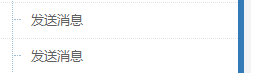
▷ @ApiParam 注解
该注解用于描述参数
| 属性名称 | 备注 |
|---|---|
| name | 属性名称 |
| value | 属性值 |
| defaultValue | 默认属性值 |
| allowableValues | 可以不配置 |
| required | 是否属性必填 |
| access | 不过多描述 |
| allowMultiple | 默认为false |
| hidden | 隐藏该属性 |
| example | 举例子 |
1 | public String test(@ApiParam(value = "验证码",required = true) @RequestParam("code") int code, |
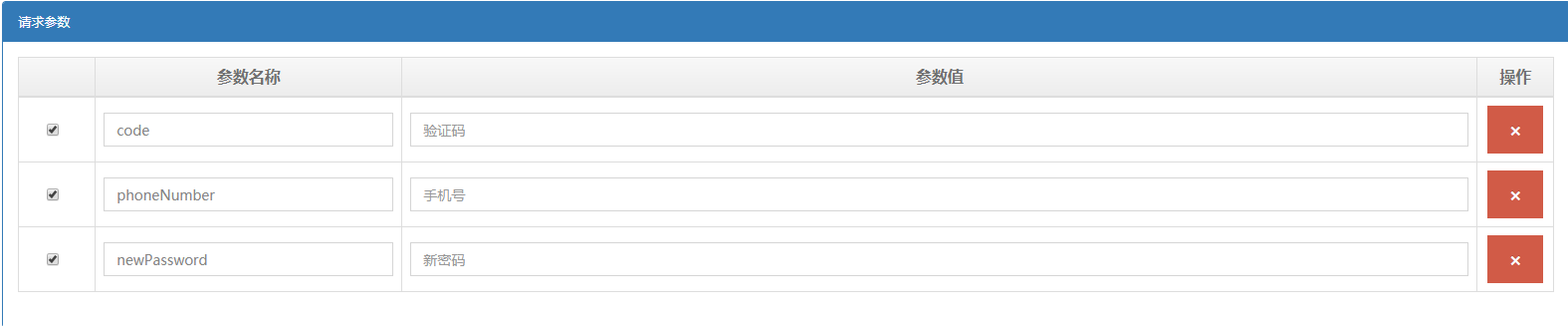
这里需要注意一点:不知道是swagger-bootstrap-ui的 BUG 还是怎么的,如果只加 @ApiParam 不加@RequestParam注解,前台的接口测试会失效,接口测试时会将参数加入请求的body中而不是参数列表中,所以用了@ApiParam要加@RequestParam指定参数名,大多数时候我们还是用实体类接收参数,就不会出现这种情况
效果: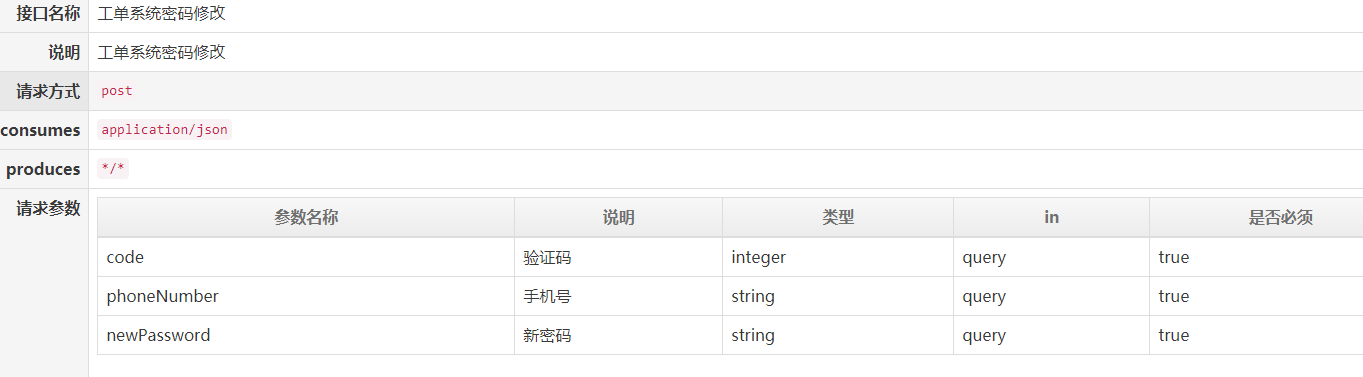
▷ @ApiModel 注解
该注解用于描述实体类,通常与@ApiModelProperty共用
|
1 | ("工单系统用户信息实体类") |
▷ @ApiModelProperty 注解
该注解用于描述实体类字段
1 | ("工单系统用户信息实体类") |
效果:
▷ @ApiResponse注解
用于响应配置
| 属性名称 | 备注 |
|---|---|
| code | http的状态码 |
| message | 描述 |
| response | 默认响应类 Void |
| reference | 参考ApiOperation中配置 |
| responseHeaders | 参考 ResponseHeader 属性配置说明 |
| responseContainer | 参考ApiOperation中配置 |
1 | (value = "/order", method = POST) |
其他更多注解可以去参考官方文档